MinIO
MinIO is High Performance Object Storage for AI, used for Object Storage . MinIO is a high-performance, S3 compatible object store. It is built for large scale AI/ML, data lake and database workloads.
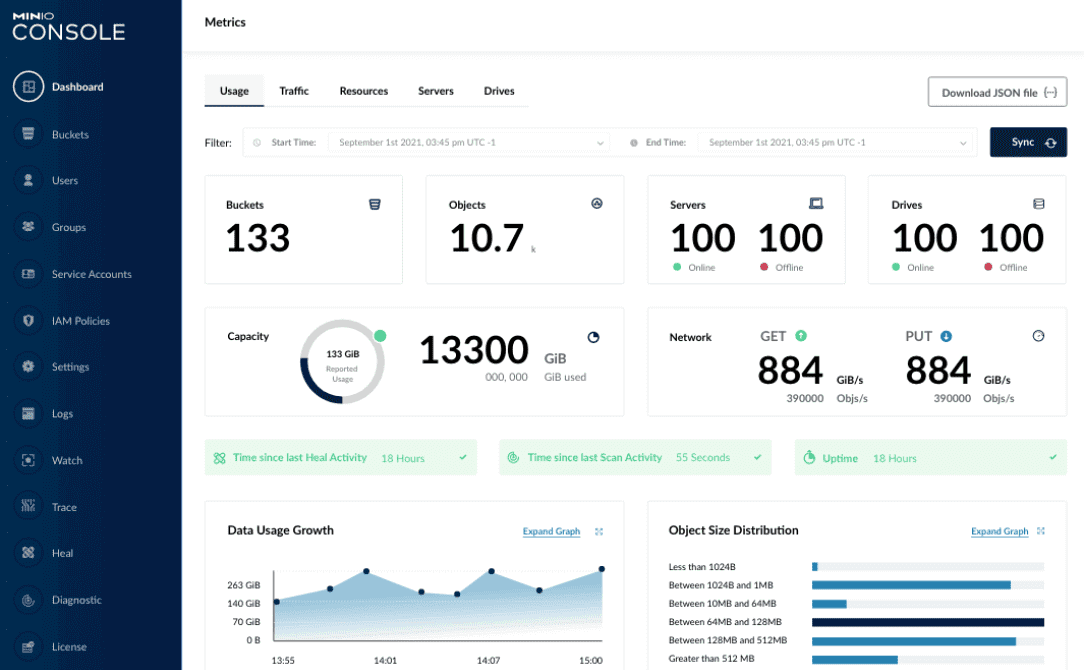
Prepare
When referring to this document to use MinIO, please read and ensure the following points:
-
Login to Websoft9 Console and find or install MinIO:
- Go to My Apps listing applications
- Go to App Store installing target application
-
This application is installed by Websoft9 console.
-
The purpose of this application complies with the AGPL-3.0 open source license agreement.
-
Configure the domain name or server security group opens external network ports for application access.
Getting started
Login verification
-
After installing MinIO in the Websoft9 console, view the application details through My Applications and get the login information from Access.
-
Using a local computer browser, access the login page
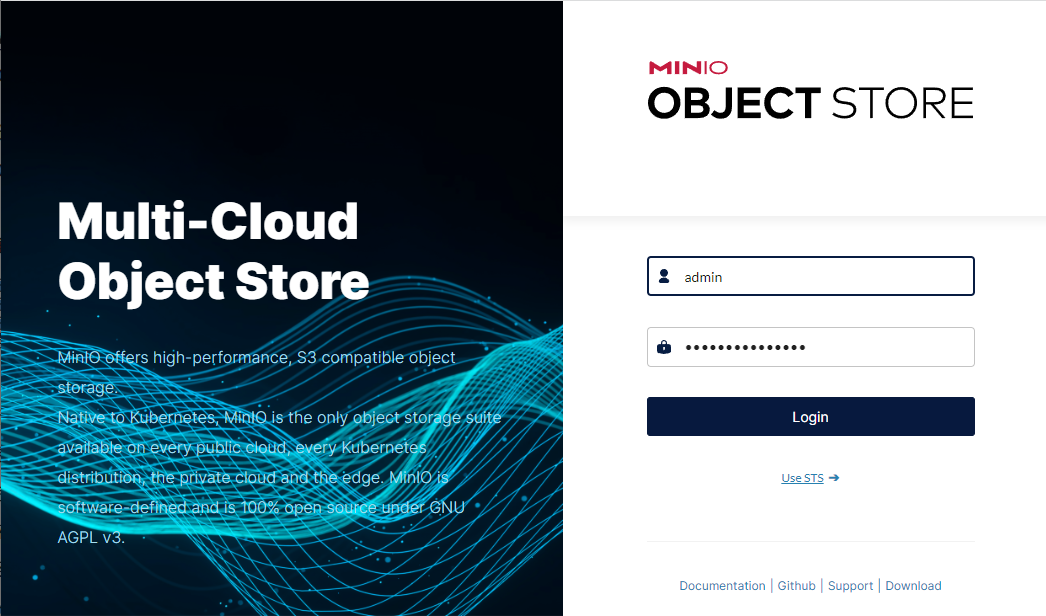
-
Enter your account and password to access the backend
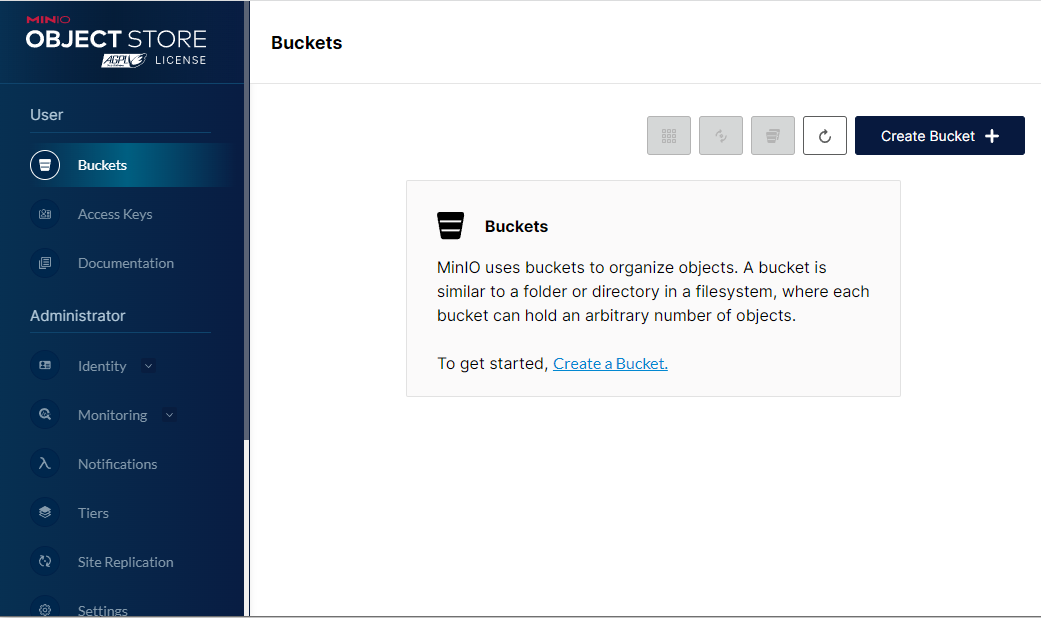
Creating a Storage Bucket
-
Log in to the backend and click Create Bucket to create a new bucket.
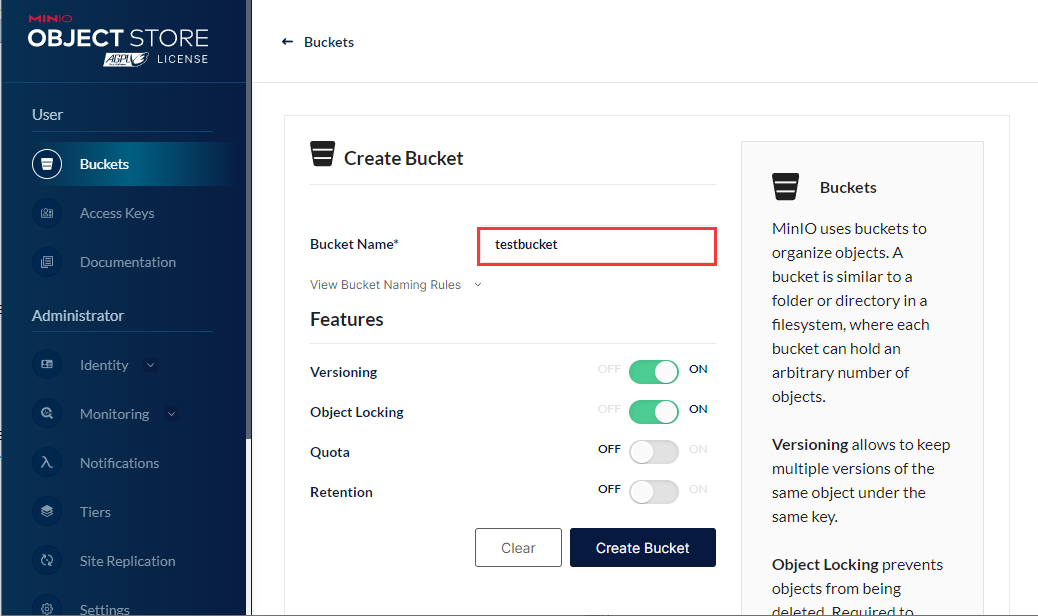
-
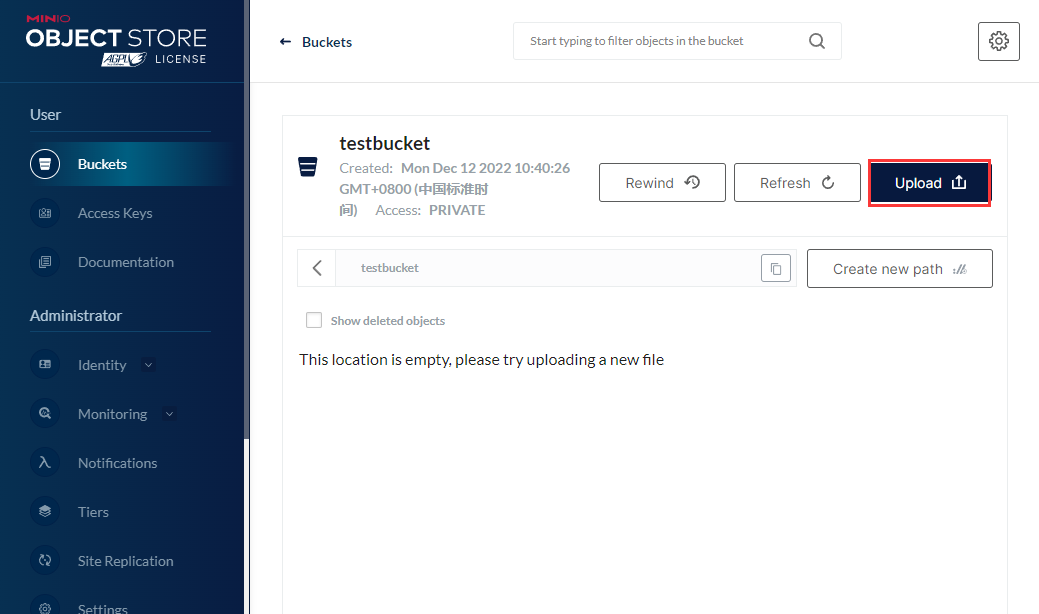
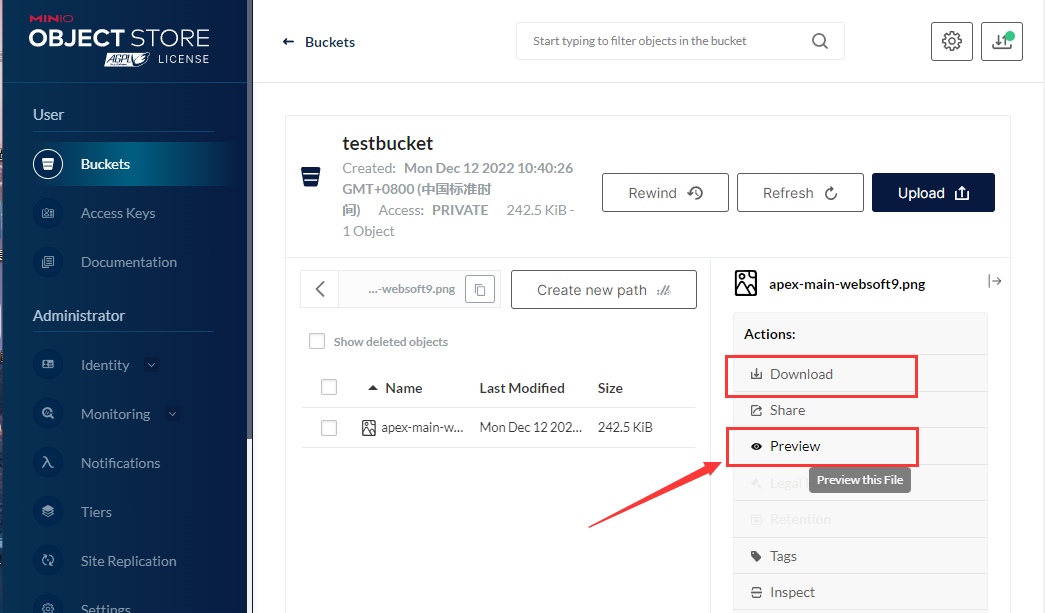
You can download and preview the uploaded files.
Configuration options
- Multilingual (x)
- CLI: Additional installation required
- Ports: The application has a backend port and an API port.
Administer
- Installing the CLI: From the Websoft9 console, select Myapps > Container > Exec console to attach to the MinIO container and install the CLI
curl https://dl.min.io/client/mc/release/linux-amd64/mc \
--create-dirs \
-o $HOME/minio-binaries/mc
chmod +x $HOME/minio-binaries/mc
export PATH=$PATH:$HOME/minio-binaries/

mc --help